I Built a Claude Code Skill Launcher for Windows, No More Memorizing Commands
2/5/2026
Windows + PowerShell only
Preface: a small annoyance from new toys
After Claude Code introduced Skills, the toolbox exploded.
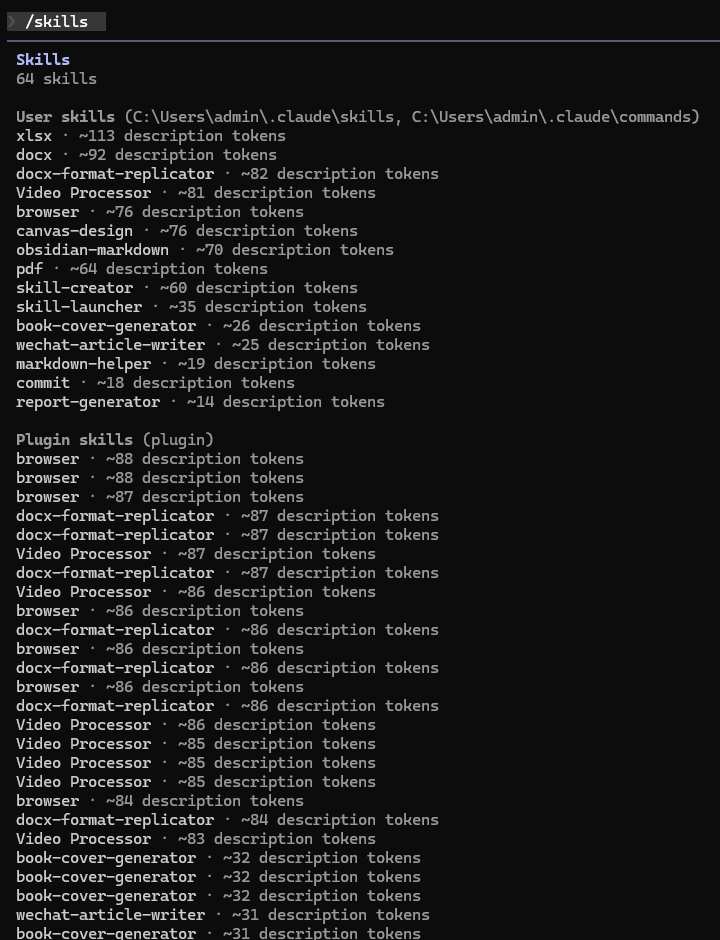
Weekly reports, PDF processing, browser automation, video editing… skills everywhere. But over time I hit a simple problem: I could not remember skill names when I needed them.
In the CLI, I would type /? and scroll, or try to recall a skill name and mistype it. Not a big deal, but it adds friction.
So I decided to solve it.
Origin: inspired by the Mac version
The idea came from a post by “I am Chengfeng”: I built a Raycast for Claude Code, launch Skills in 1 second.
He built a macOS SkillLauncher in Swift with Option+Space. Smooth. As a Windows user, I could only watch.
https://github.com/Ceeon/SkillLauncher
No Windows version? Then build one. This tool is for Windows PowerShell only.
Pain points: why skill invocation feels awkward
Three main issues:
1) Too many skills to remember. With dozens or hundreds of skills, memory does not scale.
2) Poor search UX. CLI search exists but lacks history, ranking, or smart filtering.
3) No visual discovery. Browsing skills in a terminal is less intuitive than a UI.
Is there a way to keep CLI speed but add GUI convenience? Yes: a dedicated launcher.
Solution: SkillLauncher Windows
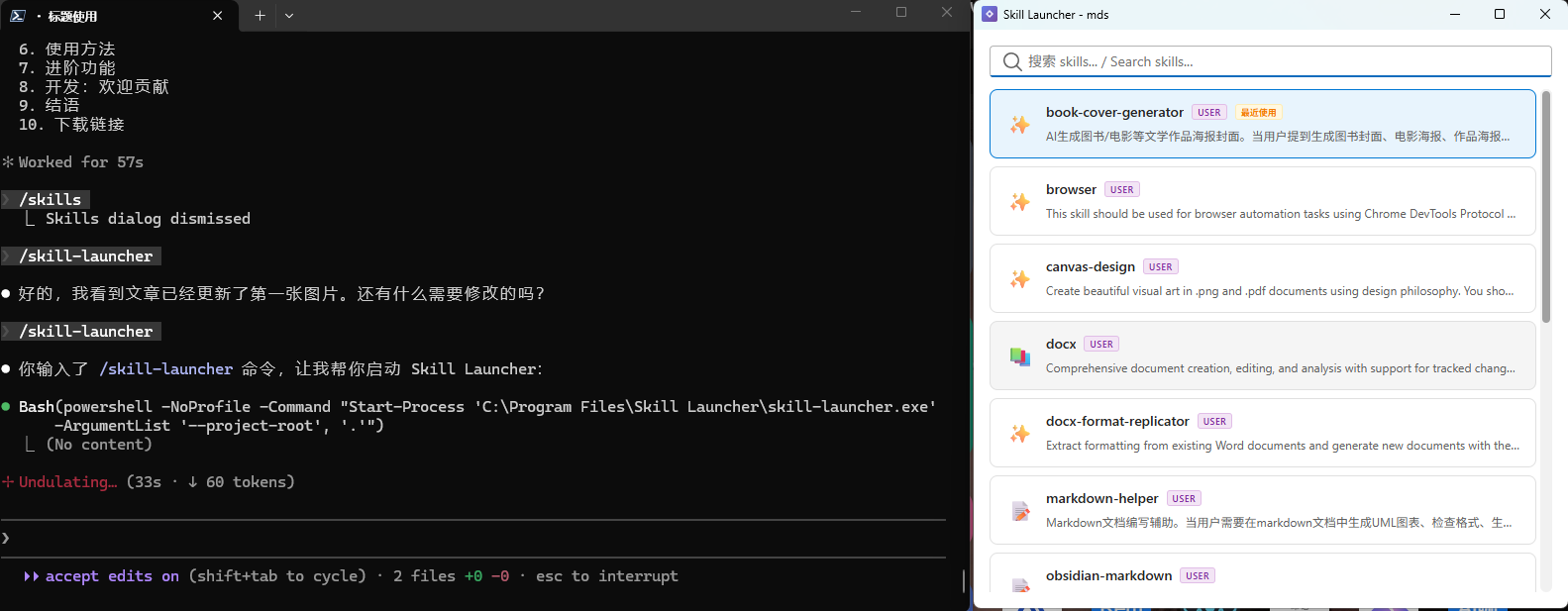
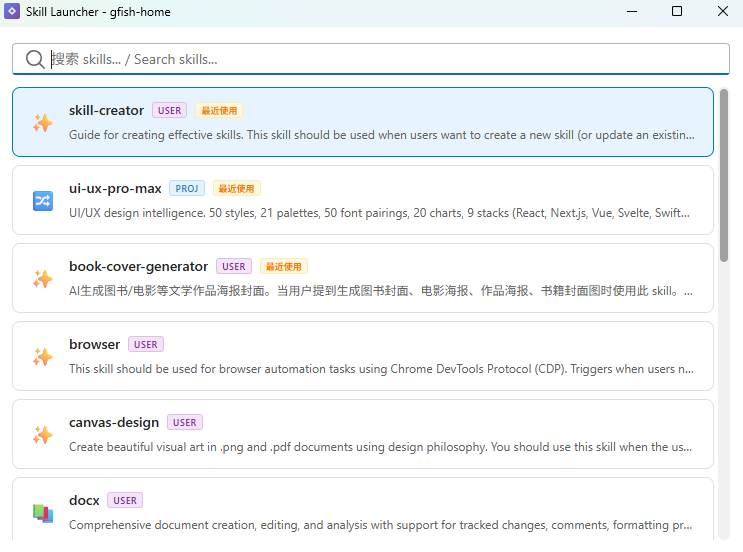
I built SkillLauncher Windows with Tauri 2 + React 18. The idea is simple: use a GUI to find and select a skill, then copy it to the clipboard and paste it in the CLI.
Core features
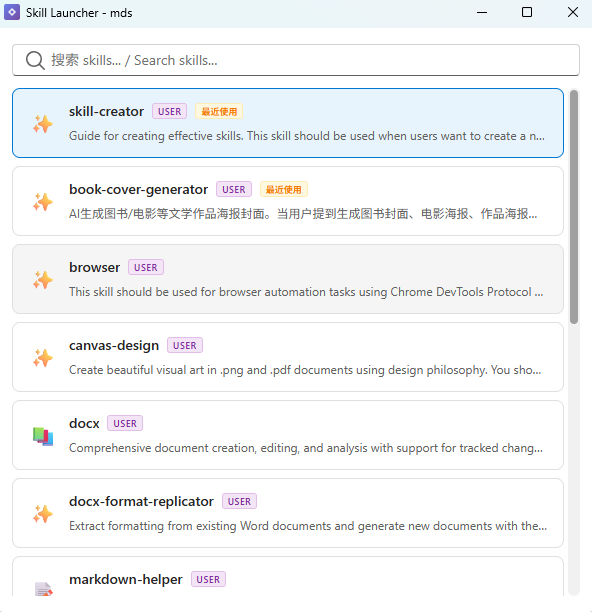
Smart search
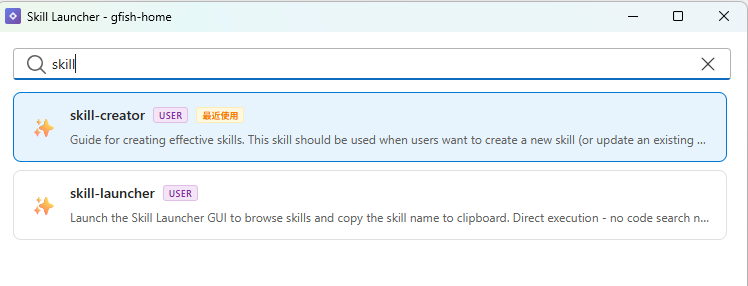
Live filtering across skill names and descriptions. Results appear instantly.
One-click copy
Click a skill and copy /skill-name to the clipboard.
Keyboard-first
Arrow navigation, Enter to select, Tab to autocomplete, Esc to close. No mouse needed.
Usage history
Recently used skills appear first next time you open the launcher.
Tech stack: why Tauri
Choosing the stack mattered. I picked Tauri 2 + React 18 for three reasons:
1) Lightweight. Tauri uses system WebView. The bundle is a few MB instead of 100MB+.
2) Fast. Rust backend handles file scan and clipboard operations quickly.
3) Familiar DX. React + Fluent UI fits Windows well and is easy to iterate.
Stack
- Frontend: React 18 + TypeScript + Fluent UI + Vite
- Backend: Tauri 2.0 + Rust
- Build: Vite + Tauri CLI
- Icons: Lucide React
Usage: three steps
Step 1: Install
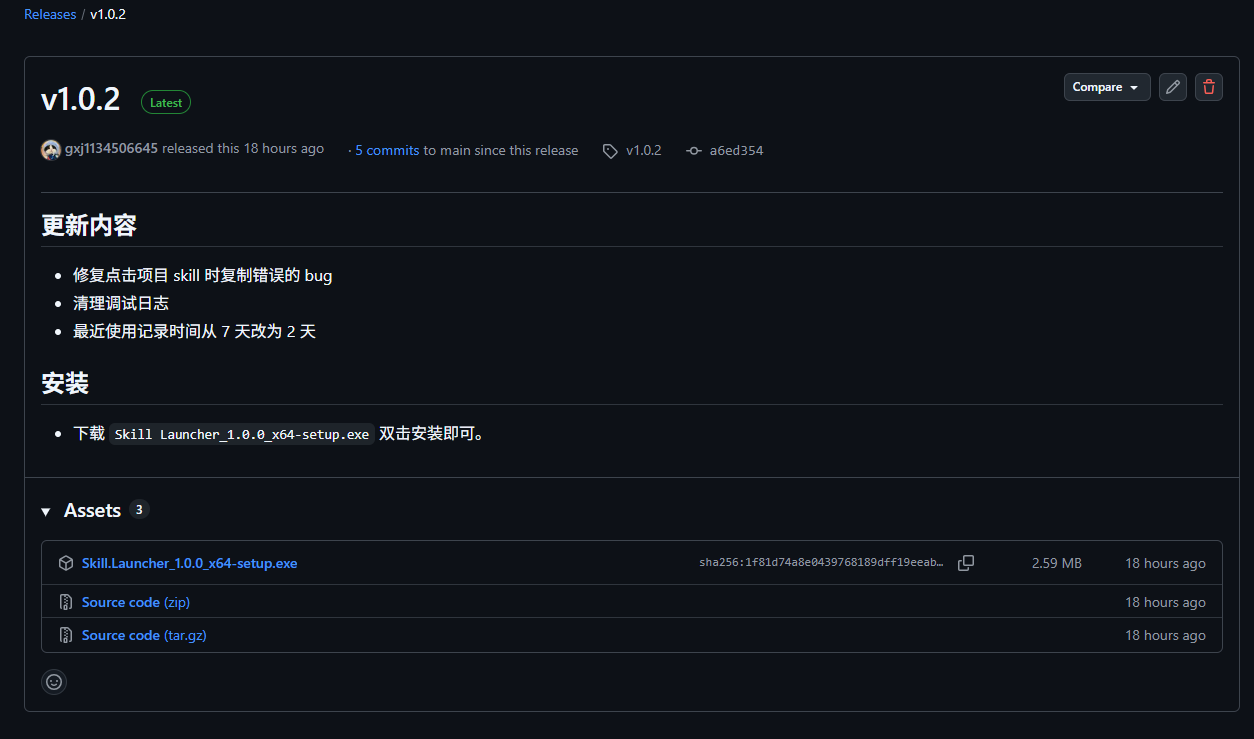
Download Skill_Launcher_x64-setup.exe and run it.
Important: do not change the install path. The installer registers /skill-launcher under C:/Users/username/.claude/skills/, and the Skill.md uses a fixed install path to launch the GUI. Changing it will break the launcher.
Step 2: Launch
In Claude Code CLI, run /skill-launcher to open the window.
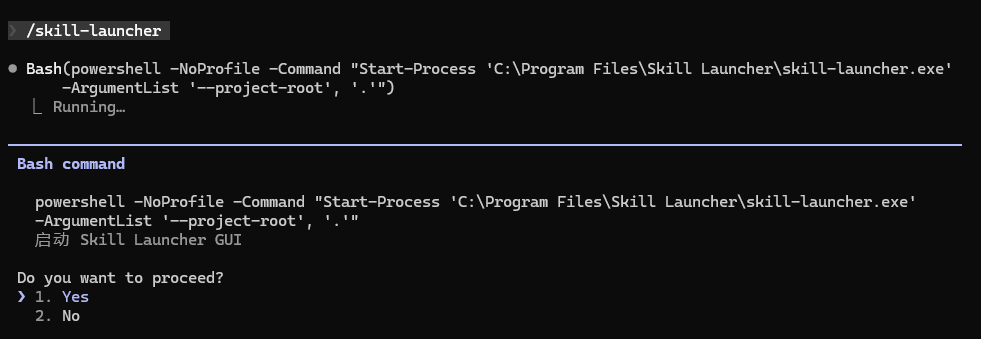
Tip: the launcher lists project-level skills based on the CLI working directory. Run it inside a specific project to see its project skills. Global user skills are always included.
Step 3: Use
- Search: type keywords like “pdf” or “commit”
- Select: use arrow keys and Enter
- Copy: click any skill to copy it
- Paste: Ctrl+V in CLI to run
Advanced: beyond search
Tab autocomplete
Type the first few letters and press Tab to complete the full skill name.
Three input modes
- Search mode: keywords match skills
- Direct mode: full skill name for direct copy
- Task mode: describe what you want and get recommended skills
Emoji mapping
Each skill type maps to an emoji icon. 127 icons for quick visual scanning.
Development: contributions welcome
Open source on GitHub:
https://github.com/gxj1134506645/skillLauncher-windows
Ideas or bugs? Open an issue or PR.
Local dev:
# install deps
npm install

# dev mode
npm run tauri dev

# build
npm run tauri build
Closing: tools should serve people
The goal is simple: make tech serve people, not the other way around.
Claude Code Skills are already powerful. I just made discovery and usage smoother. If you are on Windows and use Claude Code, I hope this helps your workflow.
Efficiency often comes from details. A good tool can be worth more than memorizing 100 commands.
Download
GitHub Releases: https://github.com/gxj1134506645/skillLauncher-windows/releases/latest
欢迎关注公众号 FishTech Notes,一块交流使用心得!