10x Productivity: My 7 Favorite Claude Code Skills for Dev and Writing
1/23/2026
Preface
Do you remember your first days with Claude Code? I felt like I had a Swiss Army knife but only knew how to peel an apple. Then I discovered the power of Skills. It felt like opening a new world.
Imagine not just a smart AI assistant, but one you can equip with “superpowers”: brainstorming, writing specs, generating UI, posting to social, even producing SEO-friendly blog content. This is not sci-fi. It is here.
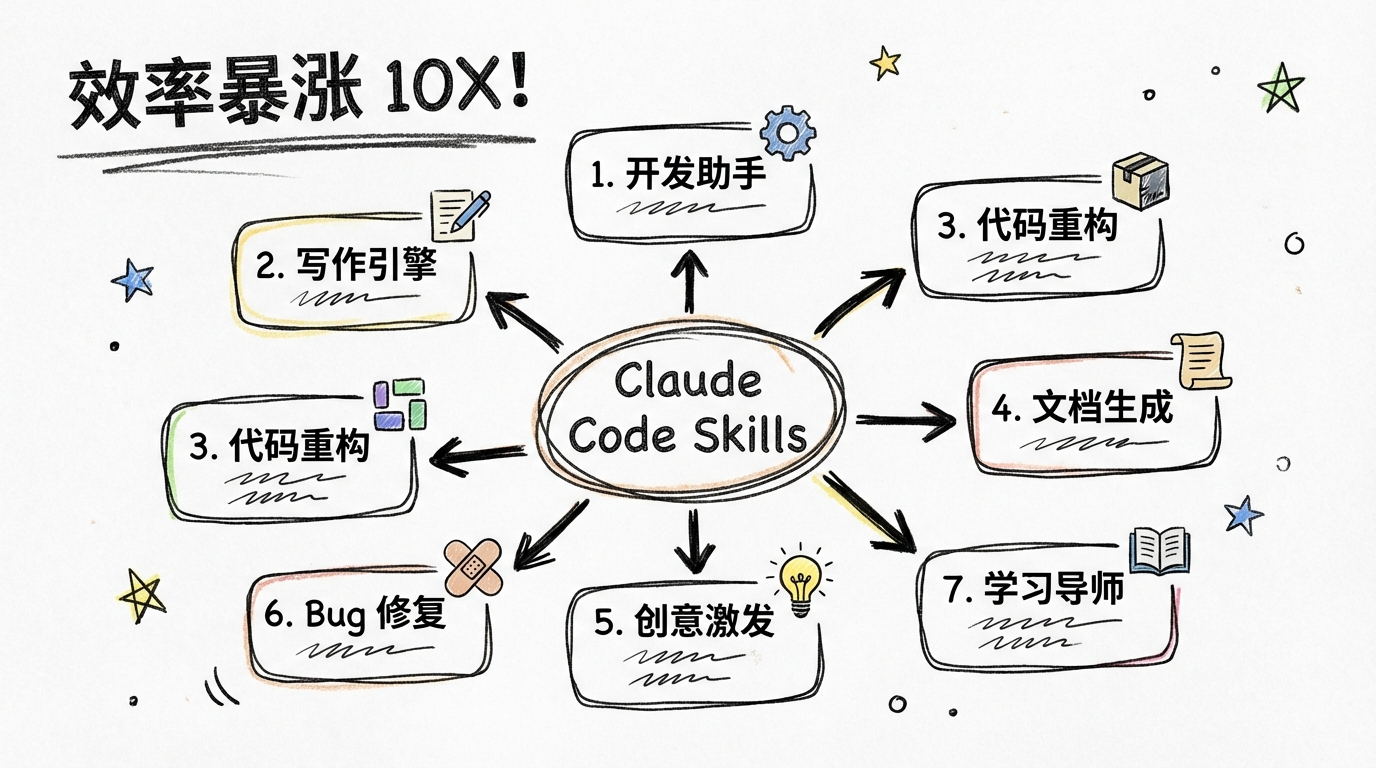
Today I am sharing my 7 favorite Claude Code Skills. They cover the full workflow from software development to content creation. All are tested in real use.
1. Anthropic official Skills - skill-creator
GitHub repo: https://github.com/anthropics/skills
The official repo is great, but I strongly recommend skill-creator. It is the best starting point for building your own Skills.
Core value:
- learn official best practices
- understand Skill structure and metadata
- bootstrap custom Skills quickly
Use cases:
- build your own workflow automation
- create team-specific AI abilities
- learn the standard Skill pattern
2. Superpowers - the 16k-star full workflow tool
GitHub repo: https://github.com/obra/superpowers
This Skill has 16k stars and is widely recognized. It feels more like a development methodology than a single tool.
Core capabilities:
- Brainstorm mode before coding
- Spec generation for structured docs
- Development flow from design to implementation
- Testing case generation and validation
Why I recommend it: Many developers rush to code and later discover they went in the wrong direction. Superpowers forces thinking first. It seems slower but actually saves time.
My result: Rework dropped by at least 50% and quality improved.
3. Planning-with-files - multi-step planning expert
GitHub repo: https://github.com/OthmanAdi/planning-with-files
Inspired by Manus-style agent workflows. Great for complex multi-step tasks.
Key features:
- break down big tasks into executable steps
- file-level task management
- orchestrate other Skills together
Use cases:
- refactor large codebases
- migrate legacy systems
- implement complex modules
My workflow: I let it draft the plan, then let Superpowers execute. The combo works great.
4. X-article-publisher-skill - social media automation
GitHub repo: https://github.com/wshuyi/x-article-publisher-skill
Built by Shuyi Wang to publish to X (Twitter). Not very useful in mainland China, but the design is worth learning.
Core value:
- learn platform API integration
- understand content automation
- build automation for other platforms
Idea extension: You can apply the same pattern to WeChat, Zhihu, or Juejin.
5. UI UX Pro Max - frontend UI generator
GitHub repo: https://github.com/nextlevelbuilder/ui-ux-pro-max-skill
Related reading: The hottest frontend tool in 2026: let AI design UI for you
For frontend devs, this Skill is a gift. It quickly generates high-quality UI code.
Core abilities:
- responsive layout design
- modern UI component generation
- UX optimization suggestions
Why I recommend it: Many devs (myself included) are not designers. This helps with code and design thinking.
Before vs after:
Before: 2-3 hours for a login page, still unhappy
After: 30 minutes, better results
6. content-creator - SEO blog generator
A Skill focused on SEO blog creation. Useful for content marketing.
Core functions:
- generate articles from keywords
- optimize SEO elements
- produce structured content
Use cases:
- company blog ops
- personal brand building
- content marketing
My experience: Using the generated outline and polishing it manually improved output speed by 3x.
7. skill-prompt-generator - AI art prompts
GitHub repo: https://github.com/huangserva/skill-prompt-generator
Built by Huang. Great for AI art tools.
Core functions:
- generate high-quality prompts
- support multiple styles and themes
- optimize prompt structure
Use cases:
- Midjourney prompts
- DALL-E prompts
- Stable Diffusion prompts
Result: Prompts from this Skill noticeably improved my Midjourney outputs.
How to install Skills
Method 1: clone a Skill repo
Linux / macOS:
cd ~/.claude/skills
git clone https://github.com/obra/superpowers.git
Windows:
cd C:\Users\用户名\.claude\skills
git clone https://github.com/obra/superpowers.git
Tip: On Windows, .claude is usually under C:\Users\YourName\.claude\skills. If you cannot see it, enable “show hidden files”.
Method 2: official marketplace tool
/plugin marketplace add obra/superpowers-marketplace
/plugin install superpowers@superpowers-marketplace
Notes
- Use reputable sources: high-star GitHub projects first
- Check update frequency: active maintenance matters
- Read docs before installing
- Back up configs for important setups
My Skill combos
Single Skills are powerful, but combos are better.
Combo 1: build a new feature
Planning-with-files (plan)
↓
Superpowers (execute)
↓
UI UX Pro Max (UI)
Combo 2: content creation
content-creator (outline)
↓
manual polish (add personal POV)
↓
X-article-publisher-skill (auto publish, with tweaks)
Summary and outlook
These Skills cover development, writing, design, and research. Each has unique value. But tools are assistants; habits and thinking still matter.
My advice:
- Do not hoard: start with 2-3 core Skills
- Combine: let Skills collaborate
- Customize: build your own via skill-creator
- Stay updated: follow new Skills in the community
Future trend: As the Claude Code ecosystem grows, more Skills will emerge, especially around automated testing, API integration, and multi-platform publishing.
Final note
Claude Code Skills are like an app store for your AI assistant. Mix and match for your needs. I hope these picks help you work faster and create more.
If you have favorite Skills, share them in the comments so we can learn together.
欢迎关注公众号 FishTech Notes,一块交流使用心得!